Candy Cane Studio
Hold a peppermint swirl among evergreens, ornaments and oversized candy canes.
One person · one reference photo

Create AI Christmas photos from one portrait, two separate photos or a couple photo. Pick a festive look, then add a greeting and download a digital card.
A direct-flash party portrait on a festive staircase, styled for the two of you.
Choose from your device, or drop photos here.
Photos are saved in this browser for up to 7 days after your last edit and cleared when you next visit after that. Use photos you have permission to use. Use adult references you have permission to share.
Creating a look sends your selected photos to OpenAI. If its prepaid balance runs out, Yir processes the request. Photo privacy
You and the scene, ready for a post.
Turn everyday portraits into festive pictures without arranging a studio session. Choose a candy cane set, a cozy fireplace, coordinated pajamas or a flash-lit holiday party. The AI Christmas photo generator creates a new scene around your people, with clothing and lighting suited to the look.
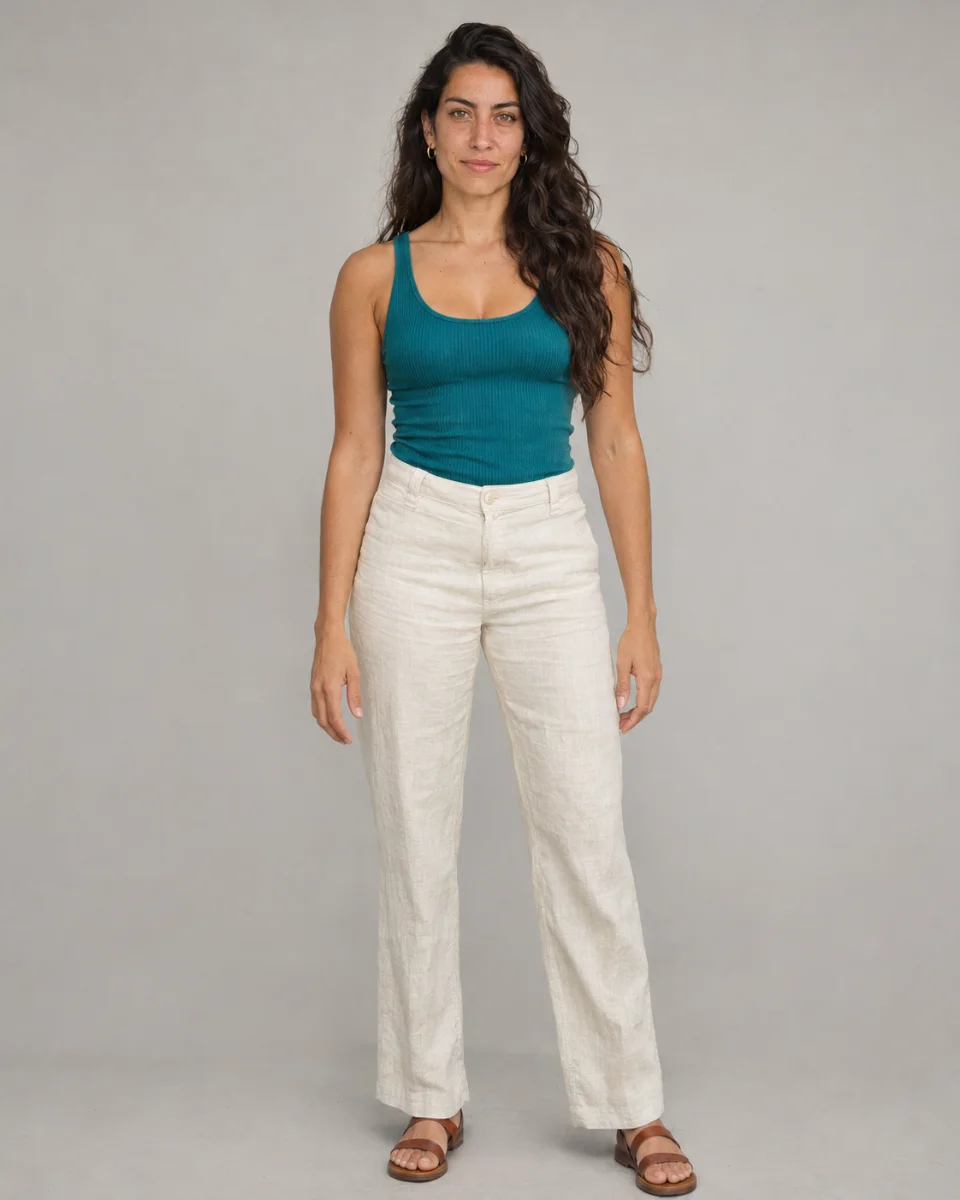
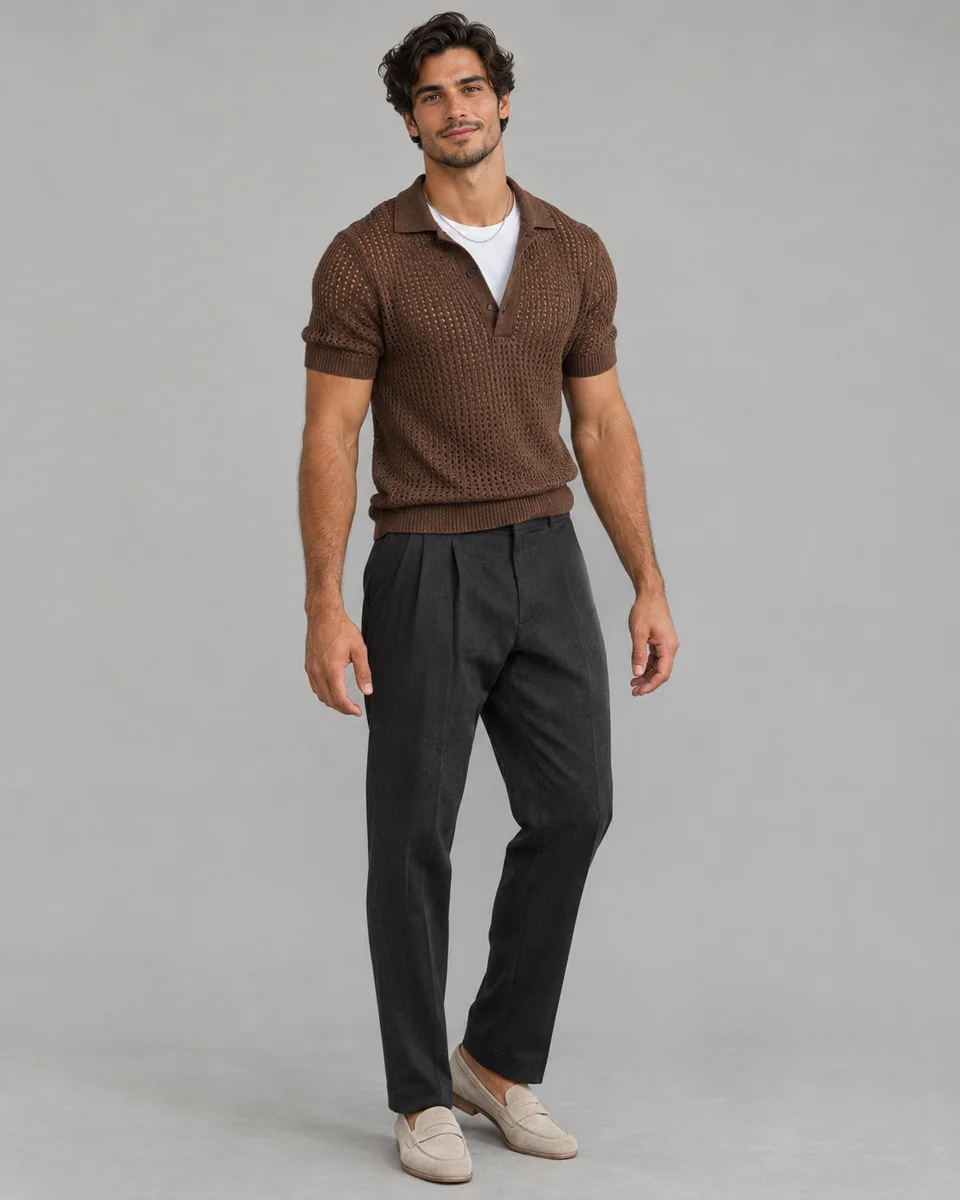
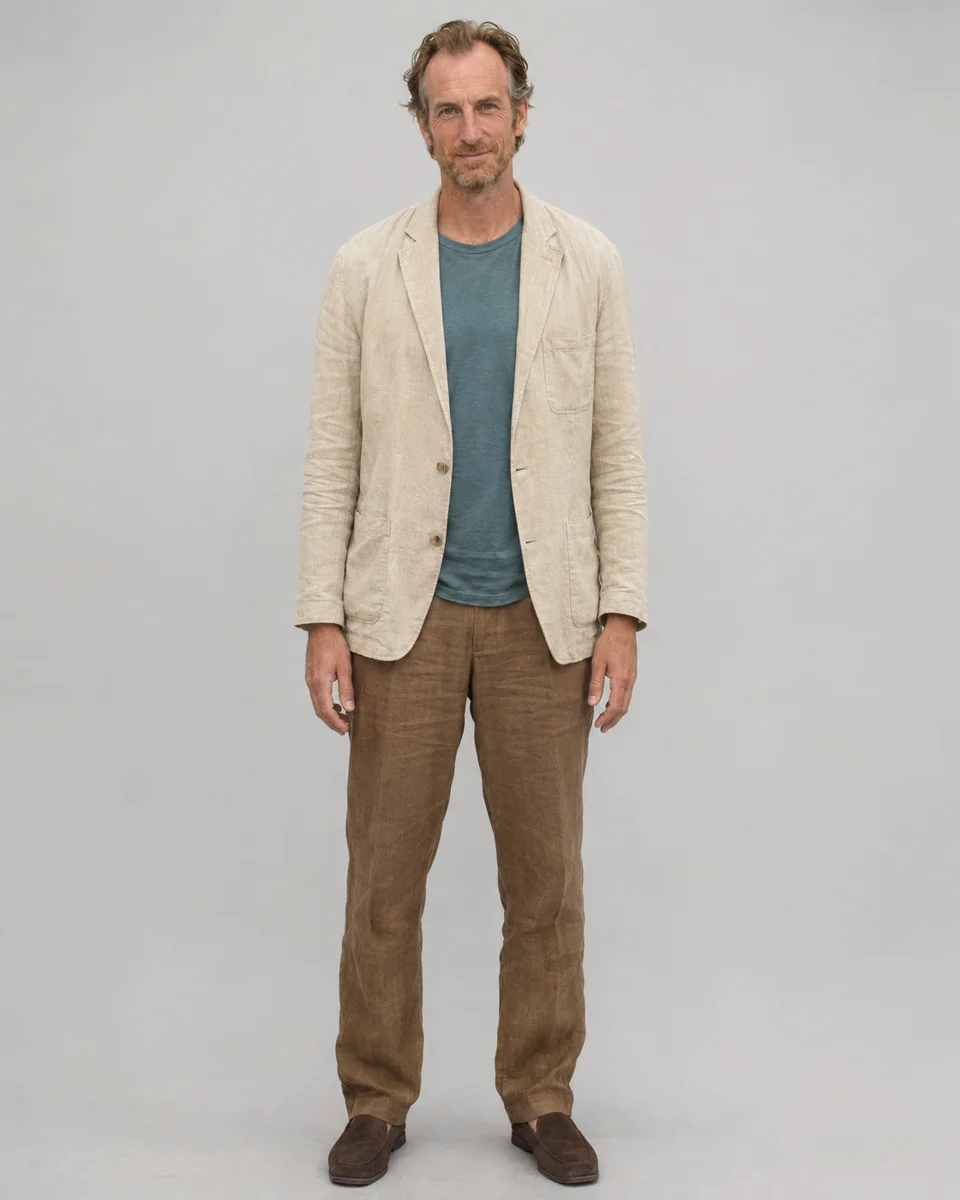
Single-person looks take one clear portrait. Christmas couple photos work with two separate portraits or one clear photo together. Partners and friends are equally welcome; the current templates support adults only, with one or two people.
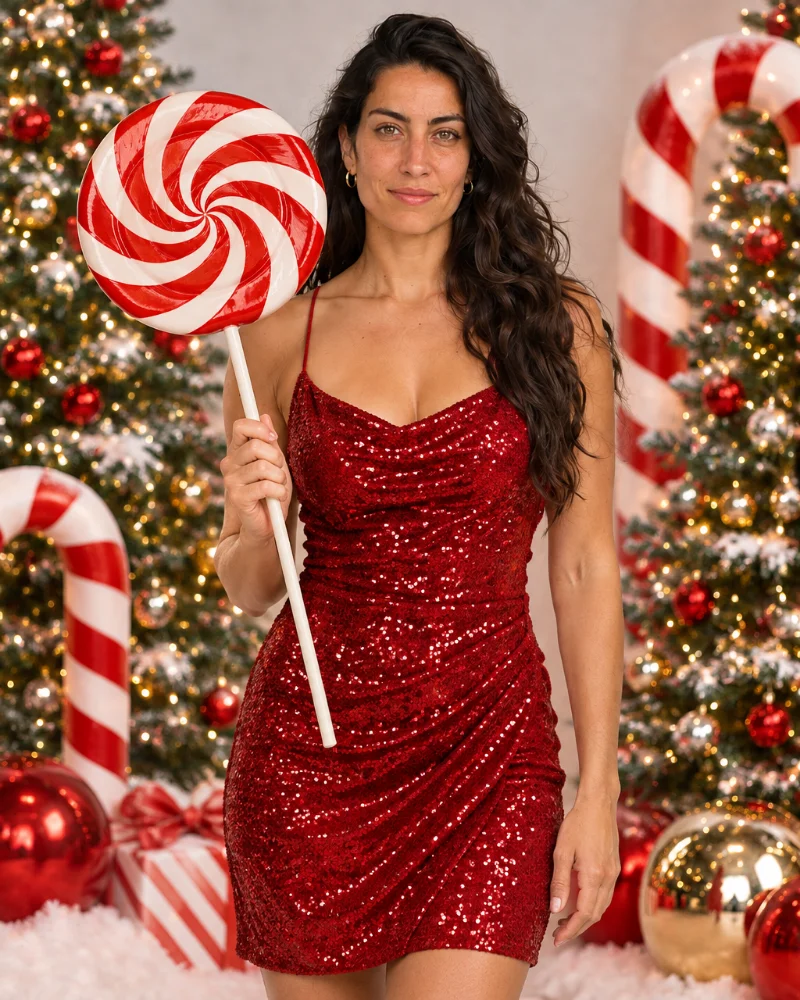
Hold a peppermint swirl among evergreens, ornaments and oversized candy canes.
One person · one reference photo
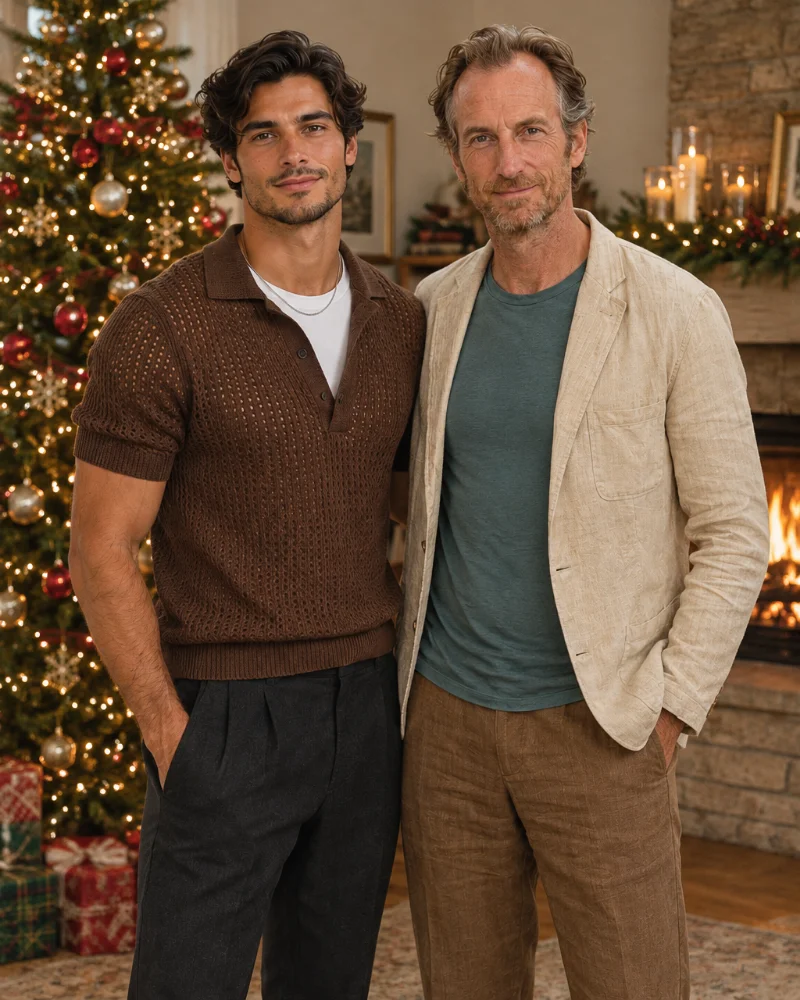
Share a quiet portrait beside the Christmas tree and a glowing fireplace.
Two people · separate portraits or a photo together
A direct-flash party portrait on a festive staircase, styled for the two of you.
Two people · separate portraits or a photo together
Get cozy together in coordinated pajamas, with a Christmas tree and gifts close by.
Two people · separate portraits or a photo together
Choose a sharp, well-lit photo with an unobstructed face. Avoid sunglasses, heavy beauty filters and tiny background faces. For a photo together, both people should be clearly visible. Use photos you have permission to use.
A reference helps preserve identity, but the result is a newly generated image. Expressions, poses, clothes and backgrounds can change. If the selected people are wrong, correct the selection before creating. For separate portraits, check their positions; a photo together can be arranged automatically.
Add a greeting and signature after generating your portrait. Download the photo on its own or export a 4:5 PNG card to send to someone. Changing the words uses the same image, with no new generation or extra credits.
Try the card editor on this Cozy Christmas sample. It uses fictional demo characters, not your uploaded photos.
A digital image for sharing. Printed cards, envelopes and print-size layouts are not included.
Yes. Choose a two-person look and upload one clear portrait of each person, or use a single photo together. You do not need to merge two photos yourself. A solo look uses one person.
One image in your chosen format: Cover 4:5 (1024 × 1280), Square 1:1 (1024 × 1024), Portrait 9:16 (864 × 1536) or Landscape 16:9 (1536 × 864). You can also add a greeting and signature and export a 4:5 PNG digital card from the same portrait.
A limited offer for one free image appears when slots are available. Signing up does not reserve a slot; availability is checked when you submit. Standard 1K images cost 4 credits. See credit packs and what is included.
Check the finished image before sharing. Report a clear quality problem within seven days to request one reviewed free redo. A different style preference starts a new creation. Read the delivery and refund policy.
Yes. Your photos stay in the current draft. Add or choose a person when the next look needs it. Switching the selection does not start a new generation.
Your reference photos and creations are private. Download finished creations within 30 days of delivery. Read how photos are processed and deleted.
Turn one photo into a peppermint studio portrait, choose its format and add a digital greeting.
Read the guide ↗Pick a festive scene and photo format for two people, then export your portrait and a digital card.
Read the guide ↗