Sunset Boulevard
Pause beside a convertible as a familiar car passes on the boulevard.
One person · one reference photo

Turn your photo into GTA 6-inspired art. Choose a solo portrait, couple scene or multi-panel cover, and create a Cover, Portrait, Landscape or Square image for your next post.
Watch opposite sides of a rooftop above a glowing bay, with cinematic blue-violet light.
Choose from your device, or drop photos here.
Photos are saved in this browser for up to 7 days after your last edit and cleared when you next visit after that. Use photos you have permission to use. Use adult references you have permission to share.
Creating a look sends your selected photos to OpenAI. If its prepaid balance runs out, Yir processes the request. Photo privacy
You and the scene, ready for a post.
Bring yourself, a friend or an adult original character into an illustrated scene. This GTA 6 photo generator uses your reference photos to create a new portrait with bold color shapes, sunset light or Vice City-inspired neon. Choose the composition before you upload; you do not need to write a prompt.
The current looks are illustrations. They are not gameplay screenshots or copies of official characters. Outfits and expressions adapt to the scene; your everyday clothes do not have to match the sample.
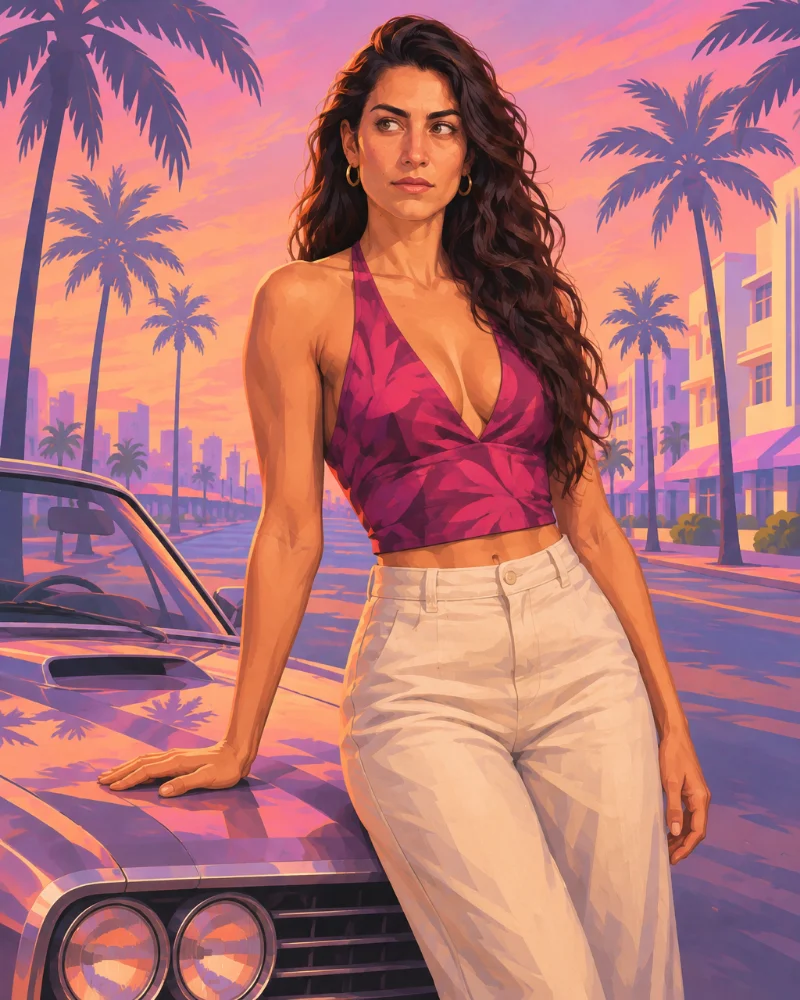
Pause beside a convertible as a familiar car passes on the boulevard.
One person · one reference photo
Share a sunset moment on a silver muscle car, framed by palms and a pastel city.
Two people · separate portraits or a photo together
Watch the dock exit beside a waiting speedboat, with a silver case ready to go.
Two people · separate portraits or a photo together
A quiet pause beside a red muscle car: one watches an arrival while the other stays focused.
Two people · separate portraits or a photo together
Pause beside a car, handgun lowered, as something catches your attention on a neon street.
One person · one reference photo
Watch opposite sides of a rooftop above a glowing bay, with cinematic blue-violet light.
Two people · separate portraits or a photo together
A five-panel cover starring you, with a helicopter, sports car and sunset marina.
One person · one reference photo
The multi-panel cover puts one person into a five-panel composition. The single-scene portraits keep more room for a character moment. Both produce digital artwork for a post, rather than a game-box layout or a custom GTA logo.
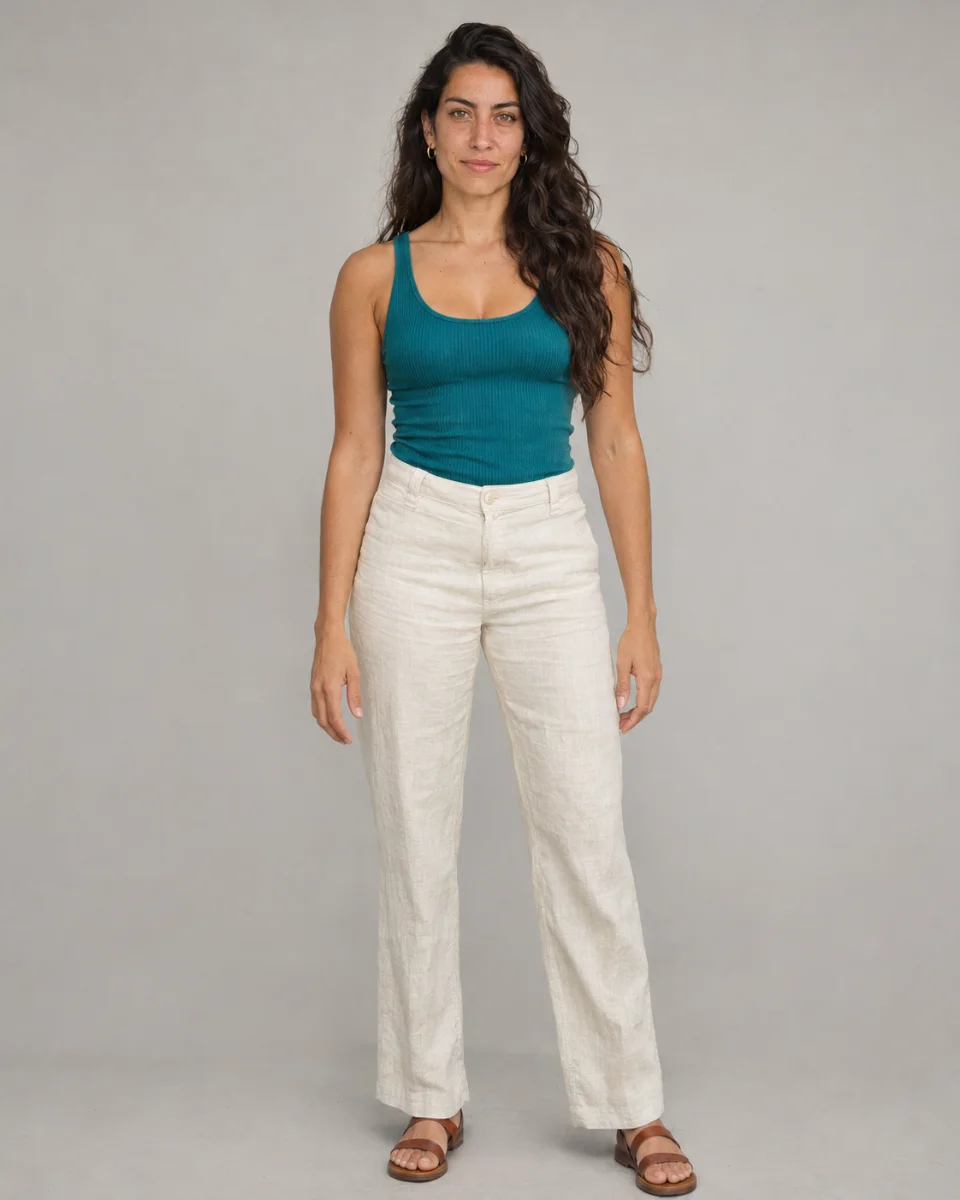
Choose a sharp, well-lit photo with an unobstructed face. Avoid sunglasses, heavy beauty filters and tiny background faces. For a photo together, both people should be clearly visible. Use photos you have permission to use.
A reference helps preserve identity, but the result is a newly generated image. Expressions, poses, clothes and backgrounds can change. If the selected people are wrong, correct the selection before creating. For separate portraits, check their positions; a photo together can be arranged automatically.
It creates a new illustrated image from your photos. Unlike a color filter, it can change the scene, clothes and pose. The goal is a recognizable character in the selected look, rather than an unchanged photo with an overlay.
Yes. Choose a two-person look and upload one clear portrait of each person, or use a single photo together. You do not need to merge two photos yourself. A solo look uses one person.
One image in your chosen format: Cover 4:5 (1024 × 1280), Square 1:1 (1024 × 1024), Portrait 9:16 (864 × 1536) or Landscape 16:9 (1536 × 864).
A limited offer for one free image appears when slots are available. Signing up does not reserve a slot; availability is checked when you submit. Standard 1K images cost 4 credits. See credit packs and what is included.
Check the finished image before sharing. Report a clear quality problem within seven days to request one reviewed free redo. A different style preference starts a new creation. Read the delivery and refund policy.
Yes. Your photos stay in the current draft. Add or choose a person when the next look needs it. Switching the selection does not start a new generation.
Your reference photos and creations are private. Download finished creations within 30 days of delivery. Read how photos are processed and deleted.
Try an AI Christmas portrait or digital card ↗
An independent creative tool, not affiliated with Rockstar Games. GTA names and trademarks belong to their respective owners.